
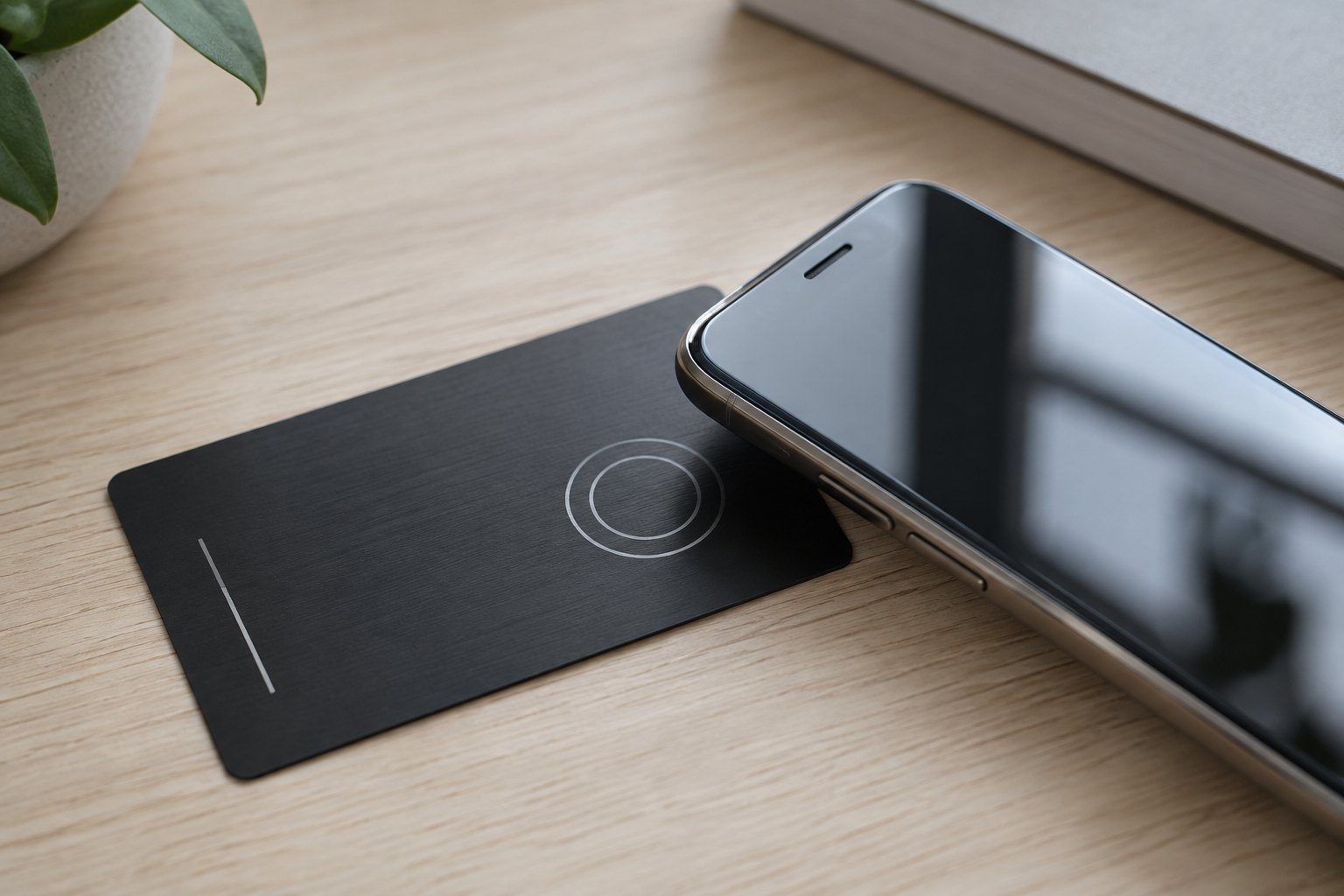
Do NFC Business Cards Work on iPhone? (Yes — Here’s How)
Yes — NFC business cards work on iPhone. Every iPhone from the XS onward reads an NFC business card automatically: the person you meet just holds the top edge of their unlocked phone near your card, a notification pops up, and one tap opens your digital contact card. No app is needed on their end. Older models (iPhone 7, 8 and X) can still read the card through the NFC reader in Control Center, and your digital card also comes with a QR code you can show as a backup for any phone.
Below is exactly how it works, which iPhones read cards automatically, what to do if a tap doesn't register, and how to set up your own card for free.
How an NFC business card works with an iPhone
An NFC business card has a tiny chip and antenna sealed inside it. The chip doesn't hold a battery and doesn't track anyone — it stores one short web link. When a phone comes within about an inch or two, the phone's NFC reader powers the chip, reads the link, and offers to open it.
With Endless Etchings cards, that link points to your own digital business card at cards.endlessetchings.com: your name, title, phone, email, website, social profiles and a "Save contact" button that drops everything straight into their contacts. Because the chip only stores the link, you can update your details any time and never need to reprogram or reprint the card.
Which iPhones read NFC business cards?
- iPhone XS, XR and every newer model: read cards automatically in the background. The screen must be on and the phone unlocked — no app, no settings change.
- iPhone 7, 8 and X: have NFC hardware but no background reading. Open Control Center and tap the NFC tag reader (add it under Settings → Control Center if it isn't there), then hold the phone to the card.
- iPhone 6 and older: can't read NFC tags. Have them scan the QR code instead.
Most Android phones read NFC cards too, as long as NFC is switched on in settings — so one card covers practically everyone you hand it to.
Where to tap: the #1 tip for iPhone users
The NFC antenna on an iPhone sits at the top edge of the back of the phone, near the camera. Android phones usually read in the middle of the back. If someone holds their iPhone flat against the middle of your card and nothing happens, slide the card up toward the camera and hold it still for a second. That fixes the vast majority of "it didn't work" moments.
Why an iPhone tap sometimes doesn't work
- The phone is locked or the screen is off. Background reading only works while the phone is awake and unlocked.
- The camera or a payment screen is open. The phone stops listening for tags while those are active. Close them and try again.
- Airplane mode is on. Background tag reading pauses in airplane mode.
- A thick or metal phone case. Magnetic wallets, metal plates and some heavy-duty cases block the signal.
- Wrong spot. Aim for the top of the phone, as above.
And if all else fails, the QR code on your digital card works on any phone with a camera.
Do metal NFC cards work on iPhone?
Yes. Metal blocks radio signals, so a solid metal card with a chip behind it would struggle — which is why our metal cards are built differently. The front is laser engraved metal and the back is left blank so the NFC signal passes through cleanly. Tap the back of the card to the phone for the fastest read. Our full-color vinyl cards read from either side.
Not sure which to pick? Our deep etch vs. brushed silver metal card guide covers the metal finishes, and the custom business cards page compares metal and vinyl side by side.
Does the person I meet need an app?
No. On iPhone XS and newer, reading the card is built in. Your digital card opens in their web browser and they tap "Save contact." You don't need an app either — you manage everything from a web dashboard on your phone or computer.
Card prices and what's included
- Metal NFC card — $39 (lower per-card pricing at 10+ and 25+). Includes 1 year of Pro free.
- Full-color vinyl NFC card — $19 (lower per-card pricing at 10+ and 25+). Includes 3 months of Pro free.
- Digital card only — free. Share it by link or QR code, no physical card required.
- Pro — $24/year or $3/month: tap and scan stats, contact exchange (people can send you their info), and more.
- Team — $100/year for 5 cards, managed from one account.
Order a metal NFC card · Order a full-color vinyl card · Create your free digital card · Set up a team
Frequently asked questions
Do NFC business cards work on iPhone without an app?
Yes. iPhone XS and newer read NFC cards natively whenever the phone is unlocked. iPhone 7, 8 and X use the built-in NFC reader in Control Center — still no download required.
Can an iPhone write or program an NFC business card?
You don't need to. We program your card before it ships, and since it points to your digital card, any changes you make in your dashboard show up instantly with no reprogramming.
Is an NFC business card safe?
The chip only holds a web link. It can't read anything from the other person's phone, has no battery, and contains no payment information.
How far away does the phone need to be?
About 1–4 cm (under an inch and a half). Touching the card to the top of the phone works best.
What if someone's phone doesn't have NFC?
They scan the QR code on your digital card, or you text them your card link. Every phone with a camera is covered.
Will my card stop working if I change jobs or phone numbers?
No. Edit your info online and the same card keeps working with the new details.
Get your NFC business card
Endless Etchings designs and laser engraves NFC business cards and ships free across the US, with local pickup at our Pompano Beach shop. Questions? Call 954-554-3771 or email info@endlessetchings.com — or see all business card options.
Endless Etchings · 1110 South Cypress Road, Pompano Beach, FL 33060




Comments are closed.